
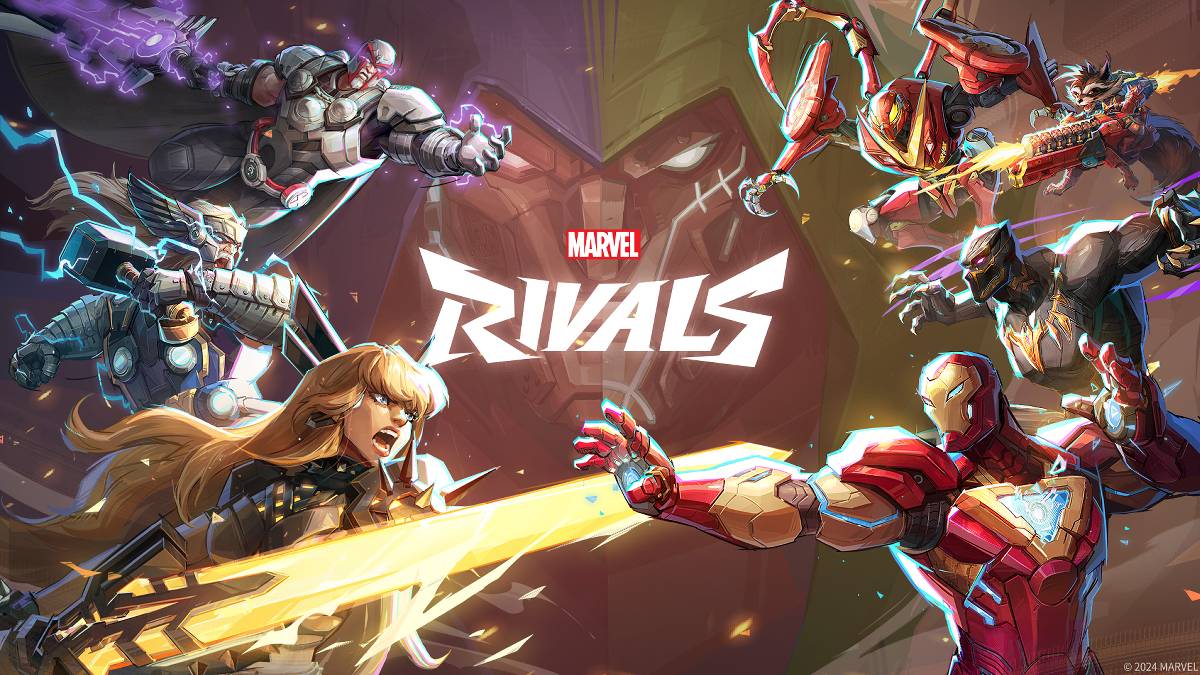
문제 해결 Marvel Rivals 오류 코드 : 포괄적 인 안내서
불행히도 현대 게임에서는 버그 및 오류 코드가 발생하는 것이 일반적이며 Marvel Rivals 도 예외는 아닙니다. 이 안내서는 게임을 즐기지 못하게 할 수있는 다양한 오류 코드에 대한 솔루션을 제공합니다. 이러한 문제는 게임 플레이를 완전히 방지하는 것부터 충돌, 지연 또는 말기를 유발하는 것까지 다양합니다.
일반적인 Marvel Rivals 오류 코드 및 솔루션
| Error Code | Description | Solution |
|---|---|---|
| Error 4 | Primarily affects PlayStation, but may also occur on PC. | Check internet connection; Verify server status; Relaunch *Marvel Rivals*. |
| 99% Loading Bug | Game gets stuck at 99% during match loading. | Check internet connection; Close background applications; Adjust Network Diagnostic Settings. |
| Error 211 | Frequent on Steam, due to connection problems. | Verify server status; Disable third-party server blockers; Check internet connection; Verify game files. |
| Error 10 | Appears on launch, typically due to poor internet connection. | Check internet connection; Relaunch *Marvel Rivals*; Verify server status. |
| Error 220 | Potentially caused by server location or firewall settings. | Modify security firewalls; Adjust DNS settings; Disable third-party server blockers; Use a VPN. |
| Error 21 | Sometimes encountered by Xbox players on launch. | Restart console; Reset router; Verify server status; Disable IPv6 on internet connection; Use a VPN. |
| Error 5 | Affects PlayStation players; indicates high ping and packet loss. | Address high ping and packet loss (often requires investigating network infrastructure). |
| Error 26 | Prevents gameplay. | Check internet connection; Disable VPN; Clear cache files; Verify game files. |
| Packet Loss Error | High ping and packet loss due to high latency spikes. | Check internet connection; Close background applications; Adjust Network Diagnostic Settings. |
| DX12 Not Supported | Game fails to launch due to unsupported DX12; often linked to Windows updates or GPU incompatibility. | Update to the latest Windows version; Update GPU drivers; Reinstall *Marvel Rivals*. |
| Error Code 258 | PC launcher login failure; common with Epic Games Store. | Investigate Epic Games Store-specific troubleshooting steps. |
| Error LS-0014 | Epic Games Store-related error. | Check antivirus software; Verify game files; Reinstall the game. |
| Igniting the Timestream | Occurs during matchmaking. | Verify server status; Restart the game; Check internet connection. |
| Version Mismatch | Appears after game updates. | Verify game files; Check for updates; Check internet connection. |
| Out of Video Memory | Prevents gameplay. | Check VRAM; Update GPU drivers; Close background applications. |
> <> 블루 스크린 오류
- Marvel Rivals*는 현재 PS5, PC 및 Xbox Series X | S에서 사용할 수 있습니다.
최신 기사

-
‘스텔라 블레이드’의 이브, ‘NIKKE’ 크로스오버로 등장 예고 May 10,2026
-
마리오 페인트, 스위치 온라인에서 마우스 지원과 함께 출시 May 08,2026
-
종말의 분쟁 끝내기: 킹덤 컴 배트 2 퀘스트 가이드 May 07,2026
-
고갌마크스 라프라스, 포켓몬 고 워터 페스트에 등장! May 06,2026
-
도움과 도움 2, 주요 업데이트 진행 중 May 04,2026
-
블리치: 브레이브 소울스, 10주년 기념 주제곡으로 코샤 니에 채택 May 02,2026
-
맨킨의 배트맨 게임, 아마존 최저가 기록 May 02,2026
-
'스트레인저 씽스' 제작진, 시즌5 앞두고 다시 봐야 할 에피소드 4편 공개 May 01,2026
인기 게임
+




주제
+
-
최고의 아케이드 클래식 및 최신 히트작 Jan 01,2025
-
안드로이드 사용자를위한 흥미로운 모험 게임 Jun 15,2025
-
다른 응용 프로그램의 세계 탐험 Mar 05,2025
-
매일 업데이트를위한 뉴스 및 잡지 앱 Jun 30,2025
-
홀리데이 쇼핑 : 최고 선택 및 선물 아이디어 Feb 27,2025
주요 뉴스
+
-
04-10운명의 왕자: 근원 - 캐릭터 전환 방법 빠른 링크 삼국지 원조스에서 캐릭터 전환 방법 삼국지 원조스에서 다른 캐릭터로 플레이하는 방법 삼국지 원조스는 평화를 되찾기 위해 여정을 떠나는 외로운 자의 여정을 중심으로 전개된다. 주요 스토리라인은 선택지가 풍부하며, 어떤 결정을 하든 거의 항상 동료들이 당신과 함께 전투에 참여한다. 전장에서 동료들은 항상 근처에 머무르며, 때로는 직접 제어할 수도 있다. 그들은 매우 강력한 존재로, 외로운 자의 강화보다 동료를 직접 조종하는 것이 훨씬
-
04-16룬스케이프, 도둑 기술에 흥미로운 새로운 활동인 해스트 추가 RuneScape Heists가 오늘 출시되었습니다 - 해적을 되찾고 은신하십시오!전설적인 세계인 Gielinor은 이제 훨씬 어두워졌으며, 더 큰 긴장감이 있습니다. RuneScape의 새롭게 등장한 Heists 업데이트가 현재 활성화되어, 마스터 도둑이 되는 의미를 재정의하는 고위험, 높은 흥미를 주는 스킬링 경험을 소개합니다.🕵️♂️ 그림자에 들어가다: 도둑질, 다시 태어났습니다도둑질이 이제 수준 90에서 120까지 확장되어, 플레이어들
-
03-07크래프트 워리어스, 전략 게임 영역으로 재탄생 크래프트 워리어스는 마을과 캐릭터를 만들 수 있는 사절 전략 게임으로, 오랜 시간 동안 충성도 높은 팬층을 확보한 작품이었다. 2018년에 출시되었으나 2024년 7월에 안타깝게도 서비스를 종료했으나, 이제 다시 돌아왔다—정확히 말하면 새로운 시작이다. 트랜스리미트는 안드로이드용으로 크래프트 워리어스 프론티어를 출시하여 원작의 후속작을 선보였다. 후속작이자 리부트가 아닌 새로운 시작 이 버전은 실시간 협동 전략에 초점을 맞추고 있다. 원작이 사
-
02-20새로운 킨들 컬러소프트, 만화용으로 이상적인 최저가 아마존의 공식 블랙 프라이데이 세일은 최신 16GB Kindle Colorsoft 태블릿을 훨씬 저렴한 가격에 구입할 수 있는 좋은 기회를 제공합니다. 이 제품은 사상 최저가에 진입했으며, 이전 어느 때보다도 더 합리적인 가격입니다. 현재 가격은 단지 $169.99로, 원래 $249.99의 정가 대비 $80을 절약할 수 있습니다. 이 더 나은 버전의 인기 있는 Kindle Colorsoft는 2024년 초에 출시되었으며, 편안한 독서를 고려 중
-
02-08Lenovo Legion 5 OLED RTX 5070, 127만원대 출시 레노보의 백투스쿨 세일이 막바지에 접어들었지만, 여전히 훌륭한 할인 상품들이 등장하고 있습니다. 특히 눈에 띄는 제안은 OLED 디스플레이와 RTX 5070 GPU를 탑재한 레노보 리전 5 Gen 10 게이밍 노트북으로, BUYMORE4SCHOOL과 EXTRAFIVE 두 개의 쿠폰 코드를 적용하면 현재 단돈 $1,270.90에 구입할 수 있습니다. 이는 총 $374를 절약하는 금액입니다. 가성비 중심의 LOQ와 고급형 리전 5 Pro 사이에 위