Microsoft Excel: Spreadsheets is a robust application within the Microsoft Office suite, popular for data analysis, financial modeling, and handling large numerical datasets. You can create budgets, analyze trends, generate charts and graphs, and perform complex calculations easily.

Key Features of Microsoft Excel: Spreadsheets
Excel provides a wide range of features that are essential for personal and business tasks. These include:
- A flexible grid layout to arrange data into rows and columns.
- Multiple data entry options for text, numbers, dates, and formulas.
- Advanced calculation capabilities with formulas and functions for automated tasks.
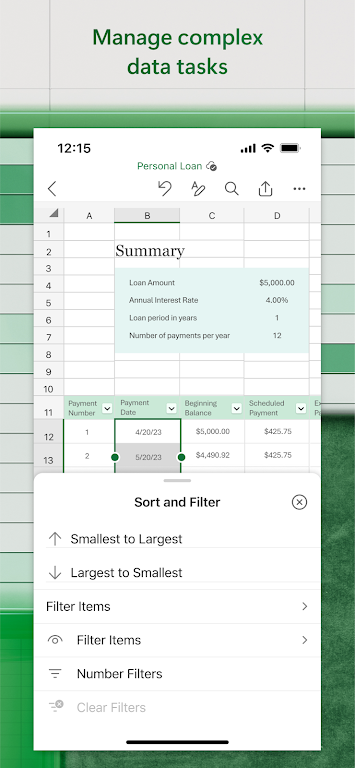
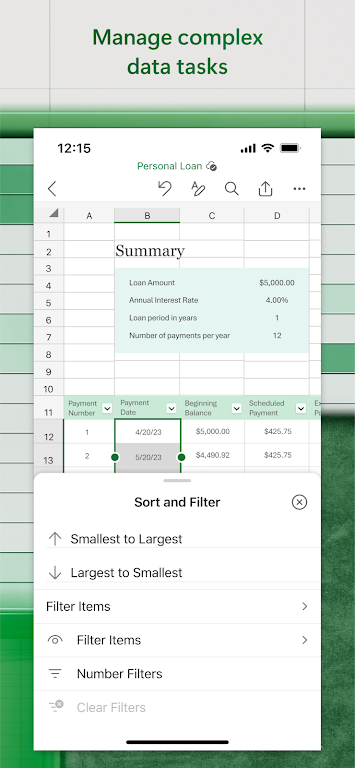
- Tools for sorting and filtering data to explore and manage information.
- Powerful data analysis features like pivot tables and what-if scenarios.
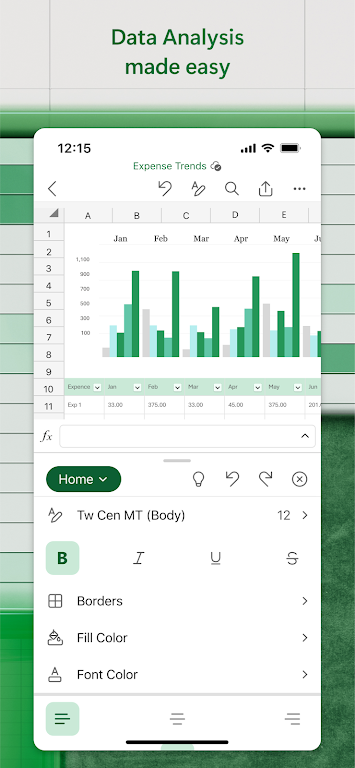
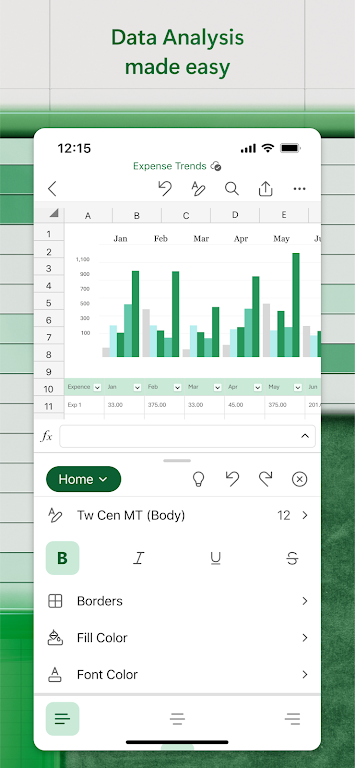
- Dynamic chart and graph creation for clear data visualization.
- Real-time collaboration, allowing multiple users to edit spreadsheets together.
Using Excel for Data Analysis
Microsoft Excel: Spreadsheets excels in data analysis. Its user-friendly layout lets you quickly enter and organize data while using formulas to uncover valuable insights. Pivot tables are especially effective for summarizing extensive data without requiring coding knowledge.
Creating Visualizations
Turn raw numbers into meaningful stories using customizable charts, graphs, and sparklines. These visualization tools help present data in a clear and engaging way.
Collaboration and Sharing
Excel supports teamwork with real-time editing and sharing options. Track changes, work together on group files, and maintain version history seamlessly.
Integrating with Other Applications
Excel works smoothly with other Microsoft Office tools like Word and PowerPoint, so you can include spreadsheet data in reports and presentations. It also supports various import and export formats for cross-platform compatibility.
Support and Learning Resources
Excel offers extensive help through online guides, video tutorials, and an active user community. You'll also find third-party courses, books, and add-ins to expand your skills and software functionality.
Conclusion
Microsoft Excel: Spreadsheets is a versatile and complete solution for data-driven tasks. With its wide array of features and intuitive design, it serves everyone from beginners to experts across industries. Whether tracking finances, managing schedules, or performing in-depth analysis, Excel provides the tools for efficient and accurate results.
Tags : Productivity