Introducing My Mobile Secure VPN
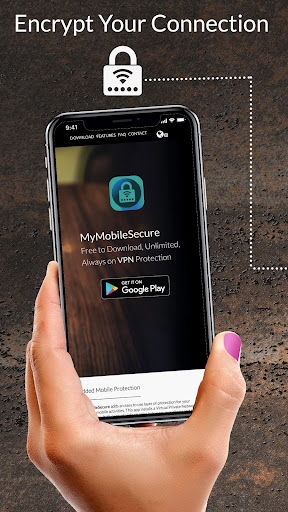
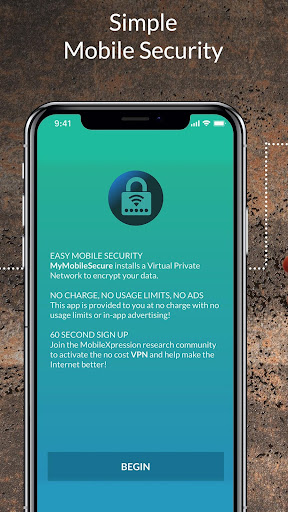
Meet My Mobile Secure VPN, the ultimate application designed to shield your smartphone from prying eyes and hackers alike. Whether you are browsing at a local coffee shop, staying in a hotel, or relaxing in a park, using public Wi-Fi without protection leaves your device vulnerable to security breaches. With this app, however, you can surf the web with complete peace of mind. Powered by advanced VPN technology, it encrypts your network traffic, rendering it indecipherable to potential attackers. Beyond security, this app also unlocks entertainment options by allowing you to access content from your home country while traveling abroad. Featuring an intuitive interface, simply toggle a switch and let the app work its magic. Best of all, enjoy unlimited usage without annoying advertisements or bandwidth caps—all at no extra cost.
Features of My Mobile Secure VPN
- Advanced VPN Technology for Privacy: My Mobile Secure VPN employs cutting-edge encryption to safeguard your network traffic, ensuring that unwanted observers cannot monitor your phone's activity. This is particularly beneficial when connecting to public Wi-Fi hotspots, as it prevents hackers from compromising your security and stealing sensitive data.
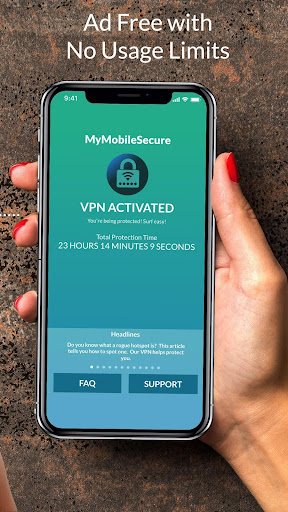
- No Data Limits or In-App Ads: Unlike many other VPN services that restrict data usage or display intrusive advertisements, this app provides unlimited bandwidth with no caps and zero in-app ads. This ensures a seamless, uninterrupted browsing experience free from constraints.
- Hacking Protection: By encrypting your network traffic, the app creates a secure tunnel that makes your data unreadable to hackers. This significantly reduces the risk of cyberattacks and keeps personal information—such as passwords and banking details—secure.
- Unlock Entertainment & Home Content: When traveling internationally, this app routes your connection back to your home country, allowing you to stream your favorite shows and access content that may be geo-restricted elsewhere. Enjoy binge-watching without any limitations.
Tips for Users
- Keep the VPN Active: For consistent privacy and security, it is recommended to leave the app enabled at all times. This eliminates the need to manually activate the connection every time you join a public Wi-Fi network.
- Select the Nearest Server: Connect to the closest available server for optimal speed and performance. This helps maintain a smooth browsing experience with minimal lag.
- Enable Accessibility Services: During installation, the app may request access to Accessibility Services. This feature allows it to track visited URLs in your browser and identify active applications on your device. Enabling this enhances the accuracy of usage reports regarding internet and app trends among mobile users.
Conclusion
My Mobile Secure VPN is a reliable, powerful application that prioritizes user privacy and security. With its advanced encryption technology, you can confidently browse the web and use public Wi-Fi hotspots without worrying about hackers accessing your sensitive data. The combination of unlimited bandwidth, ad-free experience, and content unlocking capabilities makes it an ideal choice for seamless browsing. By following these tips and keeping the VPN enabled, you can fully enjoy the benefits while safeguarding your online activities.
Tags : Tools