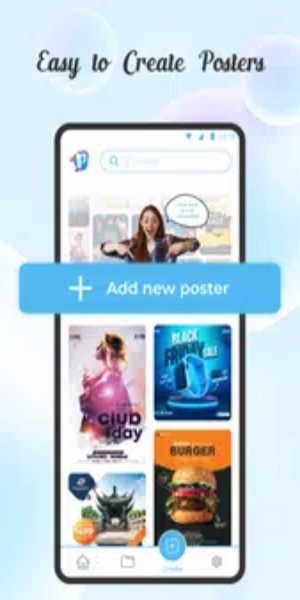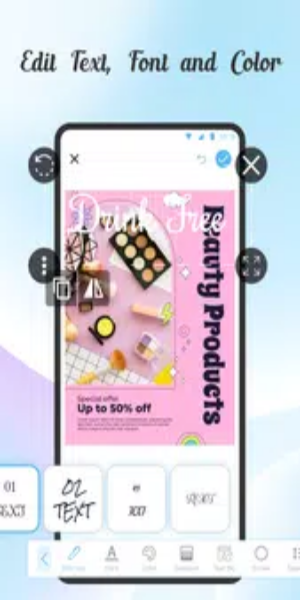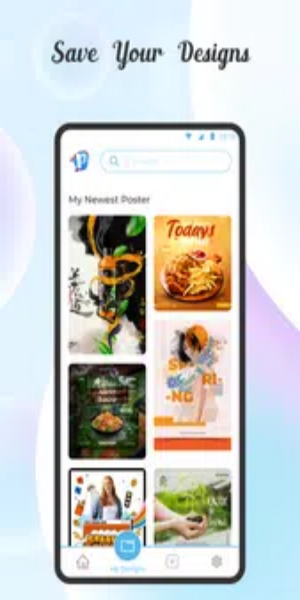
Poster Maker Art Flyer Maker is the go-to professional tool for designing striking posters, whether for promotions, advertisements, or cover photos. Easily create and customize posters and flyers with powerful, intuitive editing features that streamline the design process. It’s the ideal solution for crafting visually compelling materials quickly and with precision.
Features
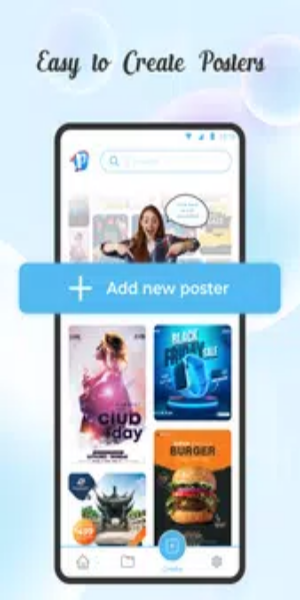
This is the perfect flyer and poster maker app for small business owners, event organizers, and anyone who wants to create high-quality flyer designs in no time. Whether you’re promoting a sale, announcing an event, or boosting your business, our app offers a wide variety of creative templates to make your designs both captivating and unique.
Graphic Designer for Posters
Create posters effortlessly with advanced graphic design tools. Design event flyers and posters creatively using ready-made templates. Customize your posters by adding color backgrounds or using your own photos as backgrounds. You can also draw or modify shapes to decorate your poster exactly as you like.
Flyer Maker and Designer
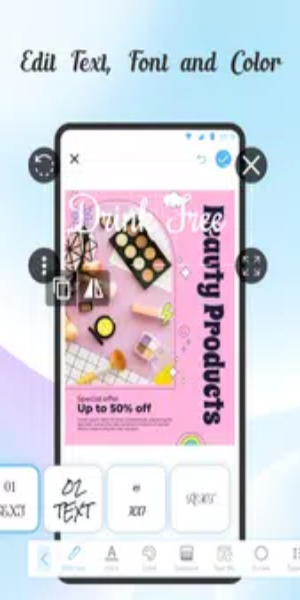
Design attention-grabbing flyers for any occasion. Adding text is essential to give your poster a professional touch. In the Poster Maker Art Flyer Maker app, you’ll find diverse tools to edit text in unique ways. Choose from multiple fonts, adjust text backgrounds, colors, and strokes to achieve the perfect look.
Birthday Invitation Maker
Create invitations and birthday posters with ease.
Latest Poster Templates
Access a broad collection of up-to-date templates for your designs.
Background Remover
Remove backgrounds seamlessly to elevate your poster designs.
Extensive Library
Browse a huge selection of backgrounds and animated stickers, with over a million options available.
User-Friendly Interface
Enjoy a straightforward and easy-to-navigate poster and flyer designer app.
Event Flyer Designs
Discover new poster templates for seasonal events like Summer, Winter, and Autumn sales, as well as celebrations such as carnivals, feasts, Halloween, Black Friday, Christmas, and New Year.
Guidence for Creating a Flyer
Making a flyer is simple with these steps using the flyer maker app—create engaging promotional materials in just a few taps.
Launch the Flyer Maker App
Open the flyer maker app on your device.
Select Templates
Browse and pick the perfect template for your business flyer.
Personalize Your Banners
Customize your graphic designs and banners to match your style.
Explore Additional Templates
Discover more templates to spark your creativity.
Save and Share
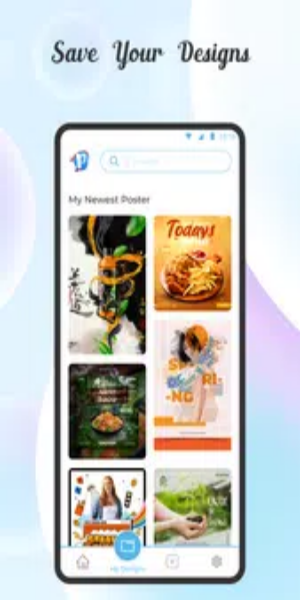
Save your finished poster and share it across your social media channels.
Conclusion
The Poster Maker Art Flyer Maker app lets you customize poster art templates rapidly, delivering professional-quality results in minutes. Use this banner and poster maker to create beautiful picture frames and personalize them with your photos. It’s the ultimate choice for professional graphic design. Perfect for anyone who wants eye-catching visuals for any purpose, Poster Maker Art Flyer Maker ensures your designs stand out with a professional, creative finish. Experience a superior picture editing journey with our digital flyer designer app today!
Tags : Photography