Meet Titan Video Player: a simple yet robust video player built to upgrade your mobile viewing. Thanks to sophisticated hardware acceleration and extensive subtitle compatibility, it delivers smooth playback of your favorite videos directly on your device.
Standout Features:
Wide Range of Format Support
Play nearly any media file effortlessly with Titan Video Player. It handles MKV, MP4, AVI, MOV, Ogg, FLAC, TS, M2TS, Wv, AAC, and more. Binge your whole library without format worries.
Efficient Media Management
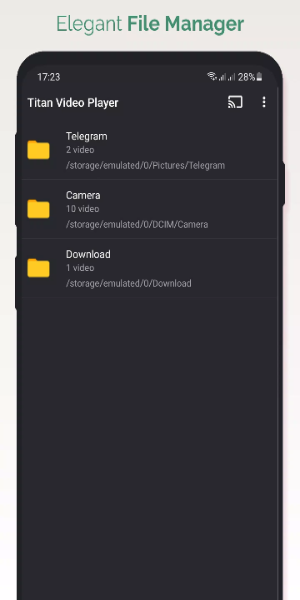
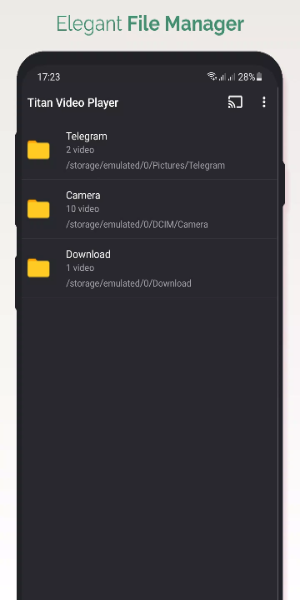
Titan Video Player comes with a powerful media organizer that sorts audio and video files automatically. Navigate folders directly inside the app and take advantage of multi-track audio and subtitle support for a tailored entertainment experience.
Universal Playback Flexibility
Get the best of both worlds—play local video and audio files or stream content from the web. Titan Video Player handles most sources with ease, providing uninterrupted playback every time.
Smart Controls & Customization
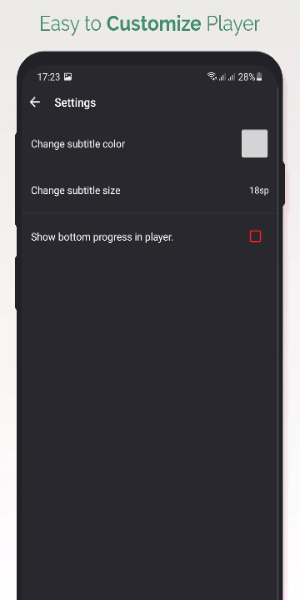
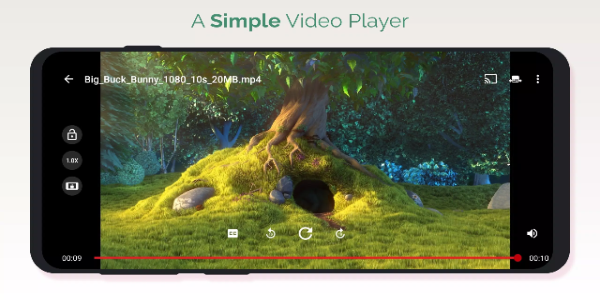
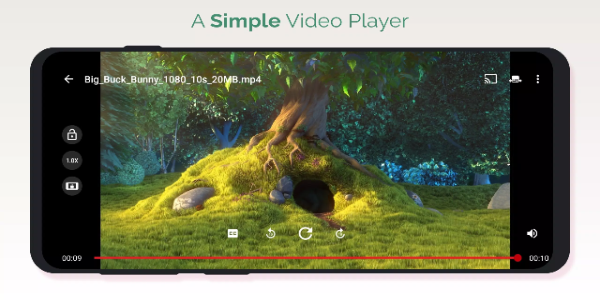
Customize your playback with automatic rotation, aspect ratio tweaks, and handy gesture controls. Swipe to adjust volume, brightness, or scrubbing—all from the screen for added convenience.
Completely Free & Beautiful
Titan Video Player is totally free, delivering crisp HD and 4K video on any Android device. Enjoy movies and TV shows with sharp, detailed visuals on your phone or tablet.
Effortless Media Access
Quickly play TV series, films, and videos from your phone or SD card. Titan Video Player instantly finds all compatible video files on your device and external storage for easy browsing and playback.
Tailor Your Viewing
Adapt the video player to your liking with multiple auto-rotation and screen-fit choices. Resize and reposition videos to get the perfect view no matter your screen size.
Extra Features for Better Enjoyment
Download subtitles and access enhanced functions that ramp up your viewing. Titan Video Player includes advanced options for a richer, personalized media experience.
Titan Video Player Design and User Experience
Titan Video Player is thoughtfully built to deliver a smooth and immersive viewing journey, focusing on user simplicity and reliable performance.
Sleek, Easy-to-Use Interface
The app features a clutter-free, user-friendly layout that lets you browse your media collection with ease. When you launch Titan Video Player, you see a tidy home screen with smart categories like recently played, favorites, and playlists—helping you jump straight to what you love.
Smart Playback Controls
Titan Video Player offers fine-tuned playback settings adapted to your tastes. Adjust speed, audio settings, and subtitles in a tap. Gesture-based volume, brightness, and seeking controls give you direct, on-screen command for smoother interaction.
Personalized Viewing Options
Tailor the video to your screen with adjustable aspect ratios, auto-rotation modes, and screen-fit settings. This adaptability ensures every video looks its best on any display.
Streamlined Media Organization
Managing your files is simple with Titan’s integrated library. Browse and sort videos and audio by genre, date, or custom playlists, making it easy to find and play your preferred content.
Advanced Playback Performance
Powered by hardware acceleration, Titan Video Player runs HD and 4K videos smoothly, leveraging your Android device's power for top-tier playback. It supports MKV, MP4, AVI, and other popular formats, so your collection always plays perfectly.
Performance That Puts You First
Designed with the user in mind, Titan Video Player focuses on stability and responsiveness, reducing lag and buffering. Regular updates improve features and respond to user input for an always satisfying experience.
Final Thoughts:
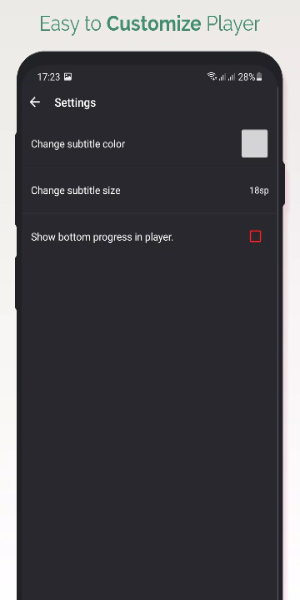
Titan Video Player is a flexible, easy-to-use app ready to meet all your video-watching needs. With broad format compatibility, an intuitive layout, and customizable settings, Titan ensures smooth and enjoyable playback on your Android. Install Titan Video Player now and take your video streaming to a new level of comfort and quality.
Tags : Media & Video