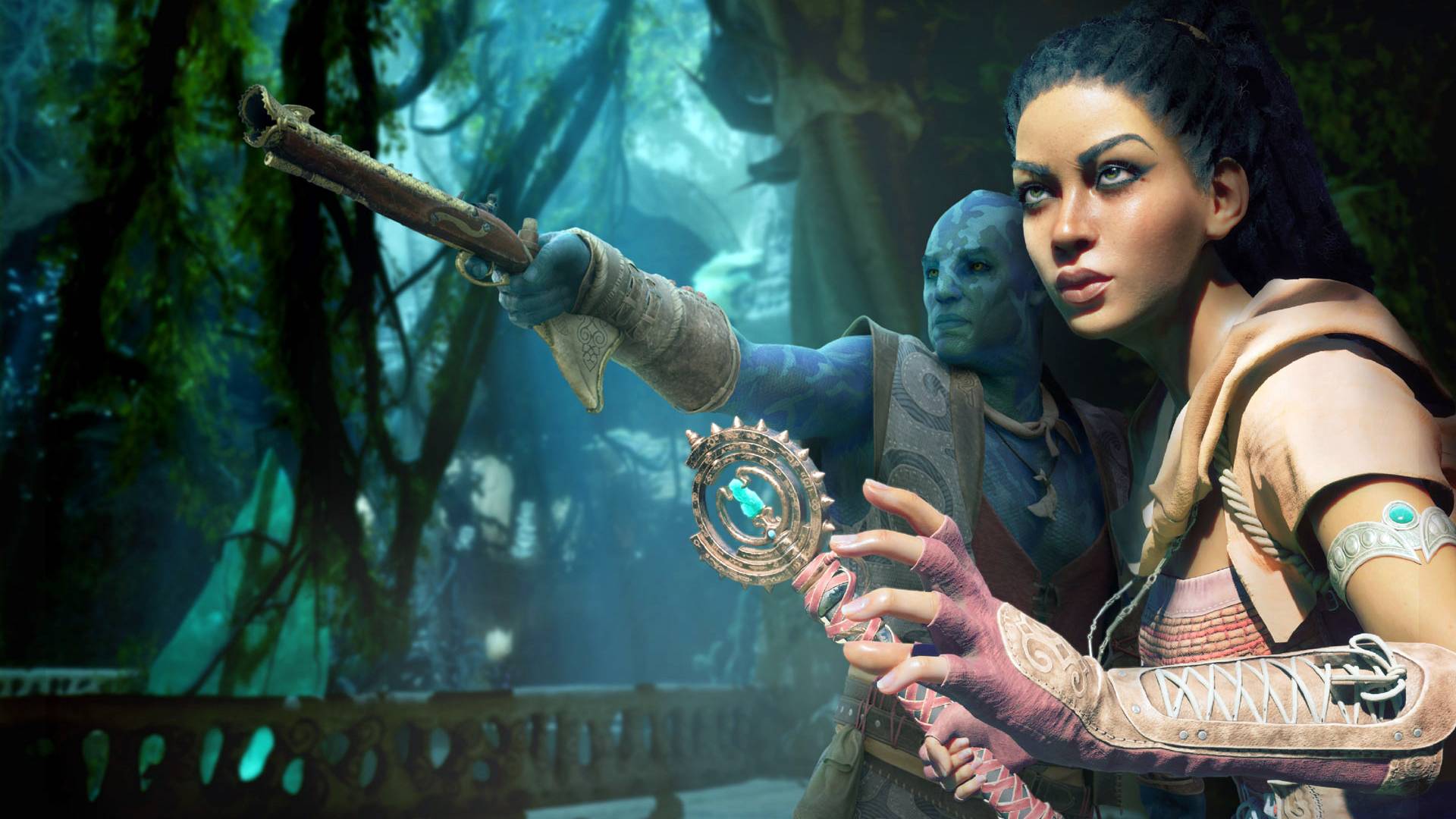

*Avowed* delivers breathtaking visuals across its immersive fantasy world. To experience its full graphical potential while maintaining smooth performance, proper PC configuration is crucial. This guide provides optimized settings that strike the perfect balance between visual fidelity and frame rate.
Understanding Avowed's System Requirements
Before adjusting settings, verify your hardware meets these specifications:
Minimum Requirements:
- OS: Windows 10/11
- Processor: AMD Ryzen 5 2600 or Intel i5-8400
- Memory: 16 GB RAM
- Graphics: AMD RX 5700, Nvidia GTX 1070 or Intel Arc A580
- DirectX: Version 12
- Storage: 75 GB SSD space
Recommended Requirements:
- OS: Windows 10/11
- Processor: AMD Ryzen 5 5600X or Intel i7-10700K
- Memory: 16 GB RAM
- Graphics: AMD RX 6800 XT or Nvidia RTX 3080
- DirectX: Version 12
- Storage: 75 GB SSD space
Note: Mid-range systems between minimum and recommended specs can achieve stable 60 FPS at moderate settings. Higher resolutions and refresh rates demand more powerful hardware.
Pro Tip: Allow shaders to compile completely during initial launch for optimal performance.
Essential Display Settings
| Setting | Recommendation |
|---|---|
| Resolution | Use your monitor's native resolution |
| Window Mode | "Windowed Fullscreen" for multitasking or "Fullscreen Exclusive" for minimal input lag |
| Frame Limit | Match your monitor's refresh rate (60 FPS recommended baseline) |
| VSync | Disable for reduced input lag (enable only if experiencing screen tearing) |
| Field of View | 90 degrees provides optimal spatial awareness |
| Motion Blur | Disable for clearer visuals during movement |
Graphics Settings Breakdown
| Setting | Performance Impact | Visual Impact |
|---|---|---|
| View Distance | High | Distant object detail |
| Shadow Quality | High | Shadow resolution and accuracy |
| Texture Quality | Medium-High | Surface detail quality (VRAM dependent) |
| Shading Quality | Medium-High | Lighting complexity |
| Effects Quality | Medium-High | Spell and environmental effects |
| Foliage Quality | Medium-High | Plant density and detail |
| Post Processing | Medium-High | Bloom, depth of field effects |
| Reflection Quality | Medium | Surface reflectiveness |
| Global Illumination | Medium-High | Realistic lighting interactions |
Optimized Presets
Budget PC Configuration (Minimum Specs)
- Graphics Preset: Custom
- View Distance: Medium
- Shadow Quality: Low
- Texture Quality: Medium
- Shading Quality: Low
- Effects Quality: Medium
- Foliage Quality: Low
- Post Processing: Low
- Reflections: Low
- Global Illumination: Low
Premium PC Configuration (Recommended Specs+)
- Graphics Preset: Custom
- View Distance: High
- Shadow Quality: Medium
- Texture Quality: High
- Shading Quality: High
- Effects Quality: High
- Foliage Quality: High
- Post Processing: High
- Reflections: Medium
- Global Illumination: High
High-end PCs can safely maximize all settings to "Ultra" for the definitive *Avowed* experience. For additional enhancements, explore *Avowed* graphical mods.
*Avowed* is available now for PC and Xbox Series X|S.