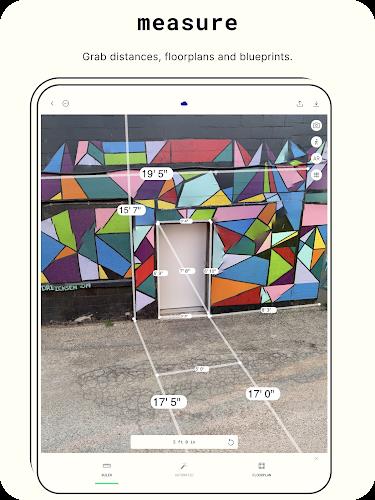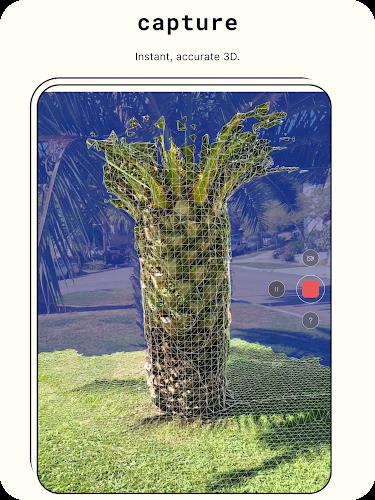
Want to transform your photos into stunning 3D creations? Meet Polycam - 3D Scanner! This powerful app lets you generate professional-grade 3D models directly from your Android device using photogrammetry. Capture fine details or expansive scenes with ease. By exporting your work in multiple file formats, sharing your 3D scans with friends and the global Polycam community is simpler than ever. Elevate your photography and unlock a new dimension of creativity with Polycam - 3D Scanner!
Polycam - 3D Scanner Features:
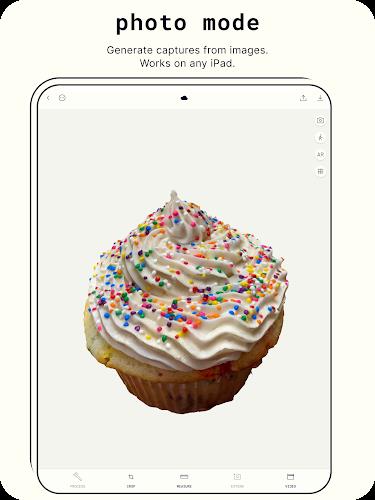
> Photo Mode: Capture detailed objects and scenes, then convert them into high-quality 3D models using photogrammetry.
> Export Options: Export your 3D models in various formats like .obj, .fbx, .stl, and .gltf, plus color point cloud data in .dxf, .ply, and others.
> On-Device Viewing: View your 3D scans directly on your Android device to see your creations in real time.
> Sharing Capabilities: Share your 3D scans with friends and the Polycam community via Polycam Web, and explore scans from users worldwide.
User Tips:
> For optimal results, take clear, well-lit photos of the objects or scenes you want to scan in 3D.
> Try different angles and distances when capturing photos to ensure you gather all the details needed for a high-quality 3D model.
> Use the export options to select the file format that fits your needs, whether you're sharing online or using the model in a graphics application.
Conclusion:
Polycam - 3D Scanner is a versatile, user-friendly app that makes it easy to create and share high-quality 3D models using only your Android device. With flexible export options and on-device viewing, Polycam is the ideal tool for both beginners and experienced users eager to dive into 3D scanning. Download it today and start capturing the world around you in breathtaking 3D!
Tags : Tools