Check your WiFi network's security. Are there any intruders? WPS protocol.
WPSApp evaluates your network's security using the WPS protocol.
This protocol allows connection to a WiFi network with an 8-digit PIN, typically preset in the router. The issue is that PINs for many routers from various manufacturers are either widely known or can be calculated.
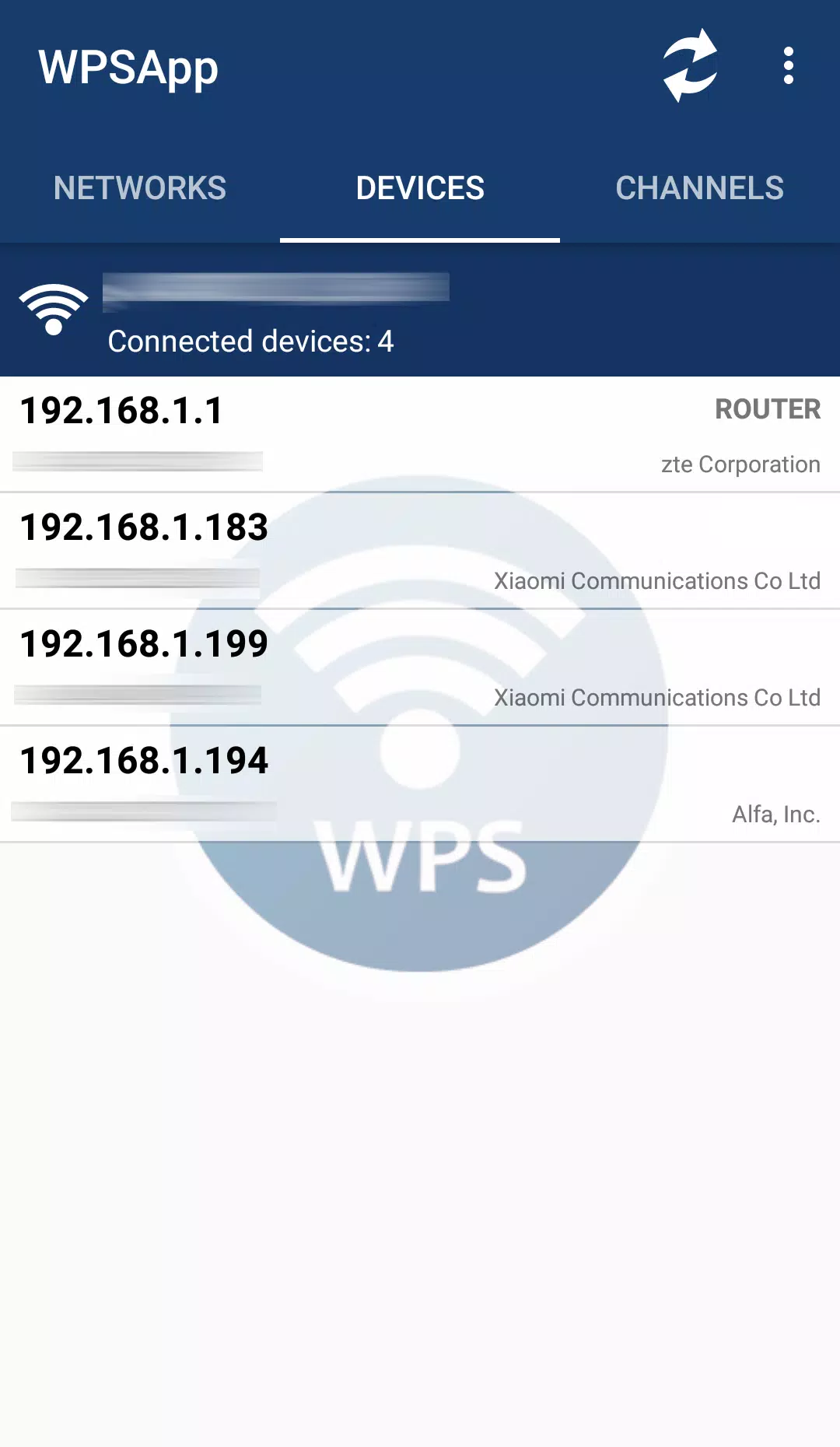
This application uses these known PINs to attempt connections and determine if a network is vulnerable. It incorporates several established PIN generation algorithms and default PIN lists. It also calculates default keys for certain routers, lets you view WiFi passwords stored on your device, scans for devices on your network, and analyzes WiFi channel quality.
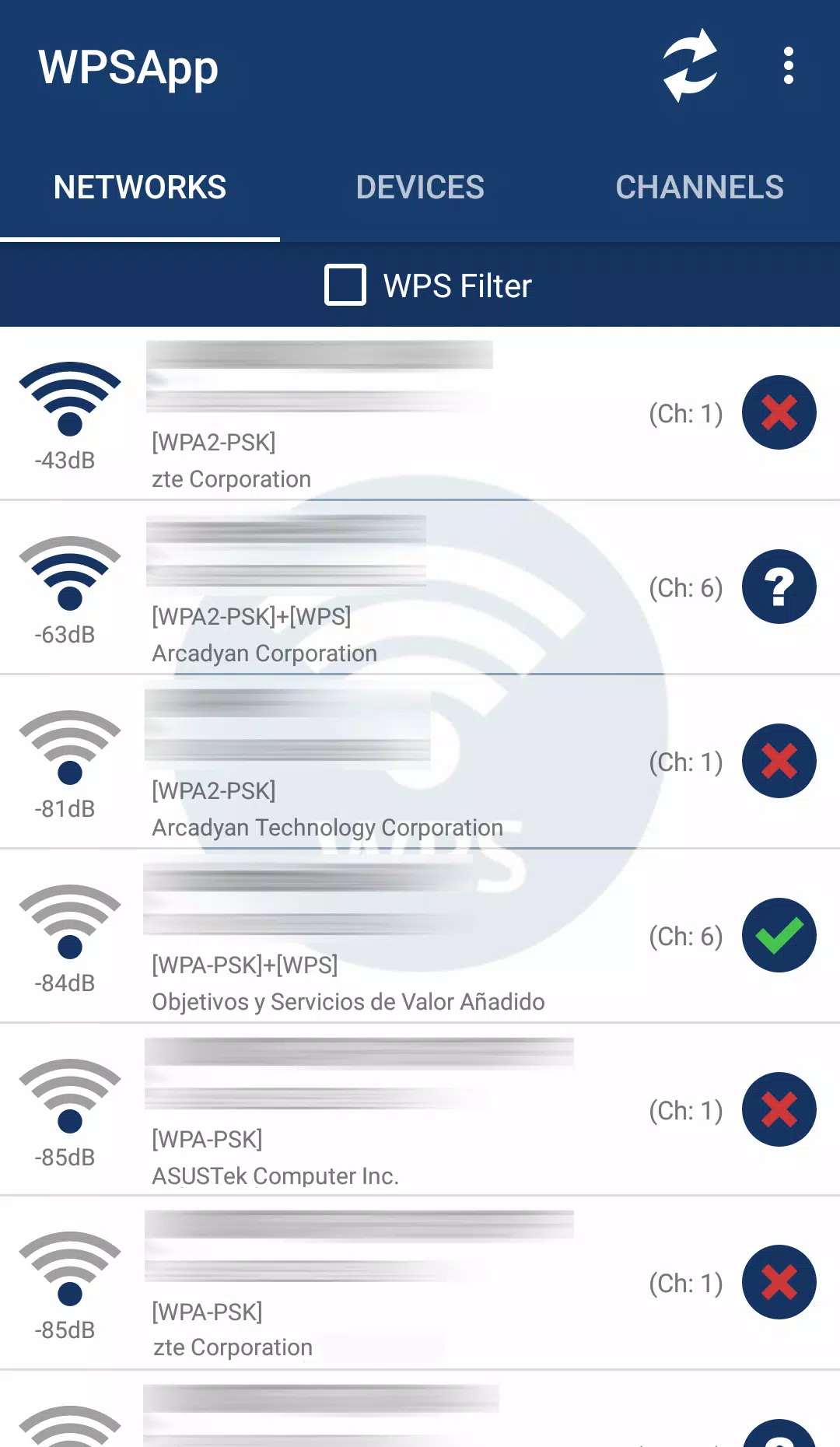
Using the app is straightforward. When scanning nearby networks, you will see networks marked with a red cross. These are "secure" networks, as they have WPS disabled and their default password is unknown.
Networks shown with a question mark have WPS enabled, but the PIN is unknown. In this case, the app lets you test the most common PINs.
Finally, networks with a green tick are likely vulnerable; they have WPS enabled and a known PIN. A network may also appear in green if WPS is disabled but the password is known, allowing connection via the key.
Root access is required only to view stored passwords, to connect on Android 9/10, and for some additional functions.
IMPORTANT: Not all networks are vulnerable. A network appearing as vulnerable does not guarantee it 100%, as many manufacturers have updated their router firmware to fix this weakness.
TEST YOUR OWN NETWORK. IF YOU ARE VULNERABLE... TAKE ACTION. Disable WPS and change to a strong, custom password.
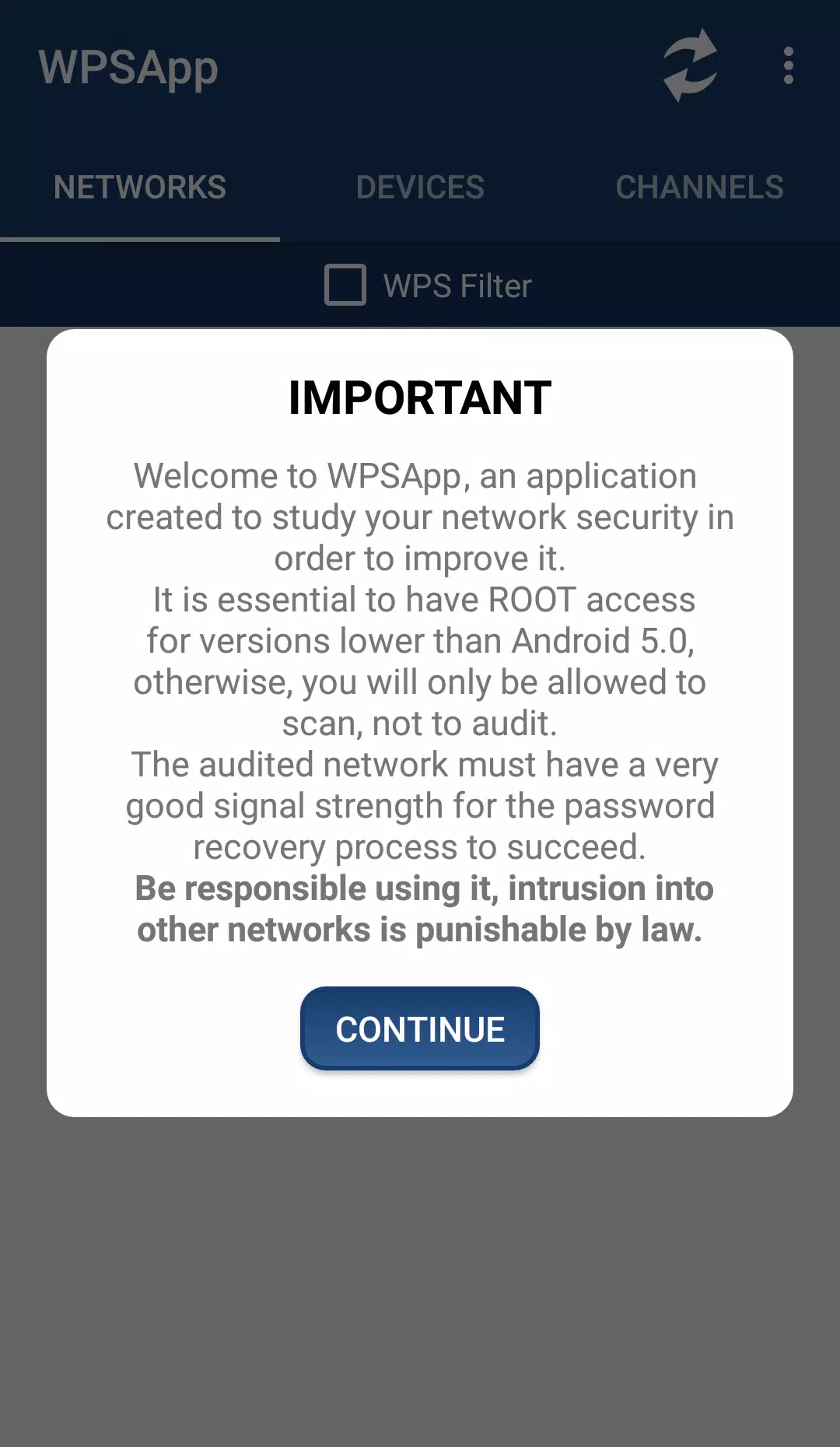
I AM NOT RESPONSIBLE FOR ANY MISUSE. UNAUTHORIZED ACCESS TO NETWORKS IS ILLEGAL.
From Android 6 (Marshmallow) onwards, location permissions are required. This is a new requirement Google added in this version. More info: https://developer.android.com/about/versions/marshmallow/android-6.0-changes.html#behavior-hardware-id
Some Samsung models use encryption and do not display real passwords, instead showing a long string of hexadecimal digits. Search online or contact me if you need help decrypting them.
PIN-based connection does not work on LG models running Android 7 (Nougat). This is an issue specific to LG's software.
Please understand how the application works before submitting a review.
Send any suggestions, bug reports, or comments to [email protected]. Thank you.
Acknowledgments:
Zhao Chunsheng, Stefan Viehböck, Justin Oberdorf, Kcdtv, Patcher, Coeman76, Craig, Wifi-Libre, Lampiweb, David Jenne, Alessandro Arias, Sinan Soytürk, Ehab HoOoba, drygdryg, Daniel Mota de Aguiar Rodrigues.
Tags : Tools